What Are UDP Proxies and How Can You Use Them?
This article will show you what are UDP proxies, how do they work, their advantages, use cases and you can set up your own UDP proxy with Shadowsocks.
Valentin Ghita
Technical Writer, Marketing, Research
Mihalcea Romeo
Co-Founder, CTO
What is a UDP Proxy?
A UDP (User Datagram Protocol) proxy is a server that forwards UDP-based network traffic between a client and a target server. Although many people are familiar with the Transmission Control Protocol (TCP), UDP offers a different approach to data transfer by trading reliability for speed. It is most commonly used in video streaming, online gaming, and VoIP (Voice over Internet Protocol) services.
How a UDP Proxy Server Works
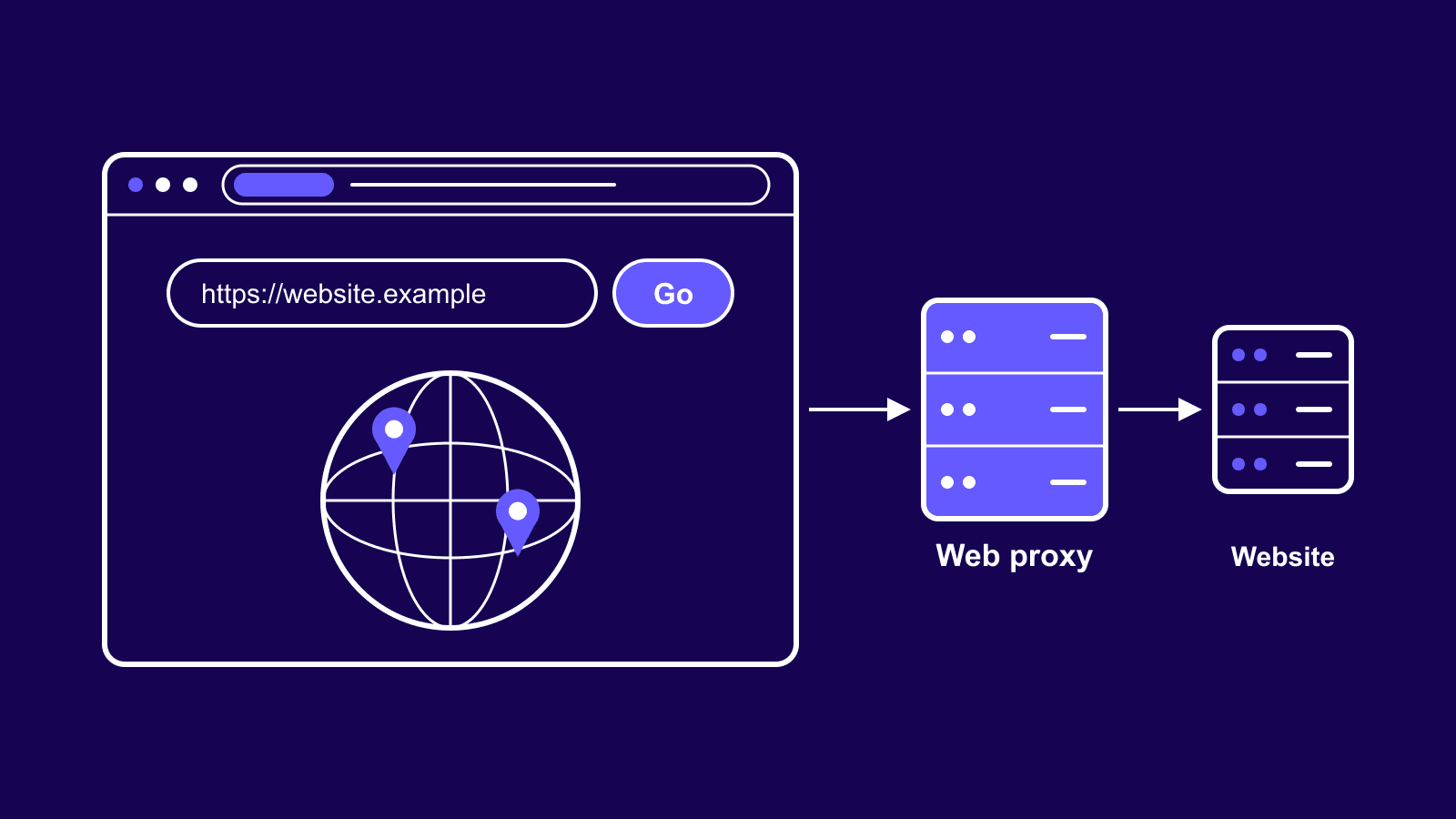
When you connect to a UDP proxy, your data packets are first routed through the proxy server rather than going directly to the destination. Then, the proxy forwards these packets on your behalf. Below is a simple step-by-step overview:
- Client to Proxy: Your device sends UDP packets to the proxy server.
- Proxy Analysis: The proxy server looks at the header information, source IP, and destination IP.
- Forwarding: The server sends (or "proxies") the packets to the destination you wanted to access.
- Response Relay: Return packets from the destination are sent to the proxy server, which forwards them back to your device.
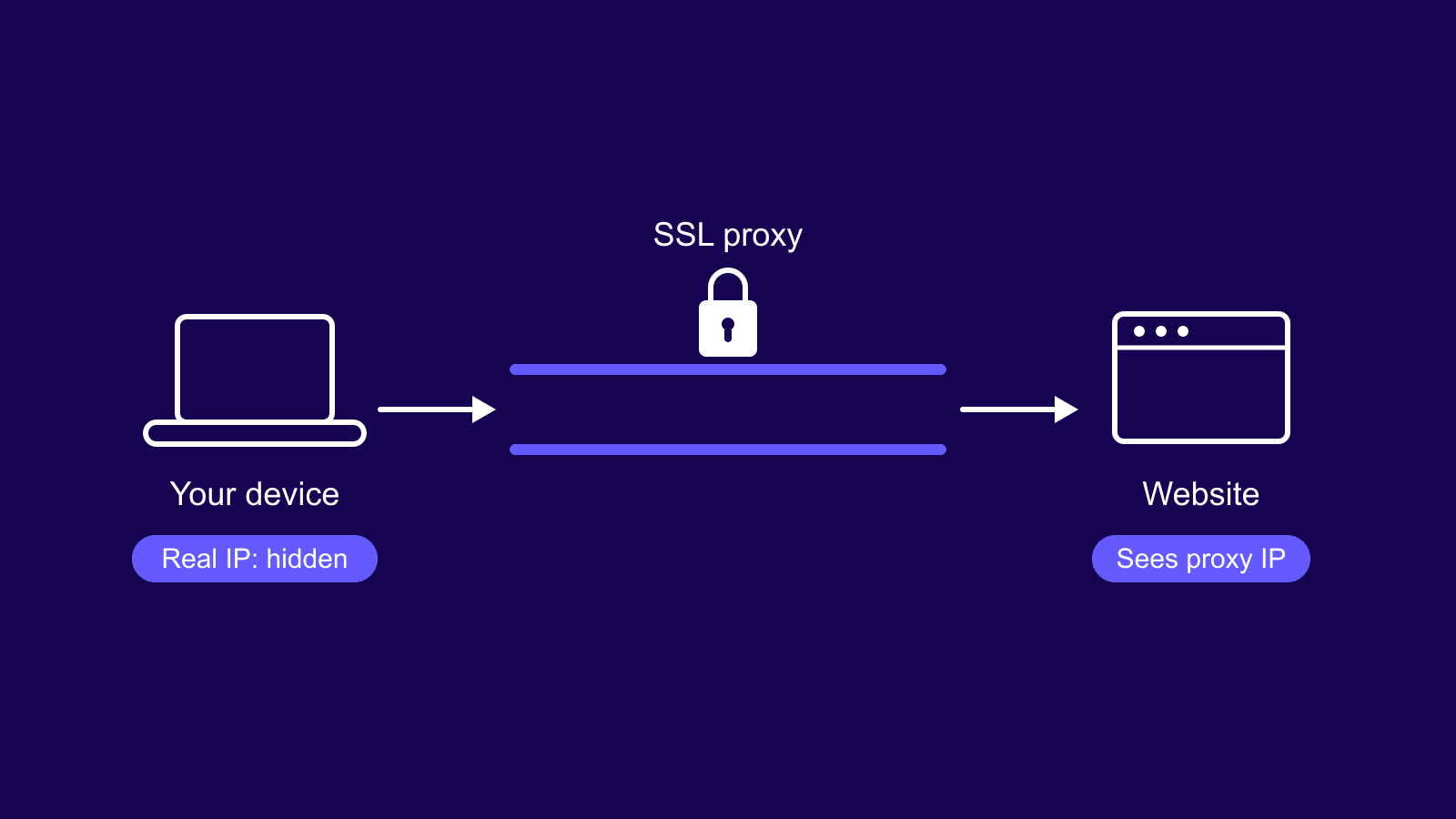
Also, same as other proxies, a UDP proxy will act as an intermediary and this will help you stay anonymous because the traffic will be seen by websites like is coming from the UDP proxy's IP instead of your real IP.
UDP Proxies Benefits
1. Speed and Low Latency
UDP can bypass some of the heavier work that TCP does, such as establishing a connection and checking every packet. And since it sends data without any acknowledgements, UDP is extremely fast. With this incredible speed that an UDP proxy offers you, you won't have any interruptions for any real-time apps such as live gaming, streaming, or voice calling.
2. Efficient Bandwidth Usage
Since UDP never waits for acknowledgement, it will use the bandwidth in a much more efficient way than TCP.
3. Handling Regional and Network Limits
Another huge advantage that an UDP proxy can offer you is the ability to handle regional differences or network-based restrictions. You can just pick an UDP proxy from a region where the content you want to see is available and because your real IP will be changed to that one, you will be able to view region-specific experiences with ease. Moreover, you should keep in mind that Shadowsocks proxies support UDP and they do an awesome job when we talk about evading deep packet inspection. With them, you can bypass even the most stringent censorship or firewalls, like the Great Firewall of China for example.
4. Flexibility
Unlike HTTP proxies, which are tied to web traffic, UDP proxies can handle data from numerous protocols running over UDP. So, there's no need to worry that you need to buy another type of proxy for online gaming or any other activity that is not on the web.
UDP Proxy Use Cases
Gaming
Competitive gamers know that even milliseconds count and, because of this, UDP proxies will be perfect if you want lower pings and a constant connection to the server.
Streaming
Nothing ruins a viewing experience like the dreaded buffering symbol. So, if you will route your streaming traffic through a high-quality UDP proxy, you'll experience fewer interruptions and delays.
VoIP
When you're on a video call, we know how frustrating awkward pauses and lag can be. And because UDP proxies can handle this traffic flow in an efficient way, you won't have any delays anymore and you'll benefit from calls just like you are talking face-to-face.
IoT (Internet of Things)
Many IoT devices use UDP for their lightweight communication. And since a UDP proxy can forward data from these devices to servers in a very efficient way, many people choose to use them.
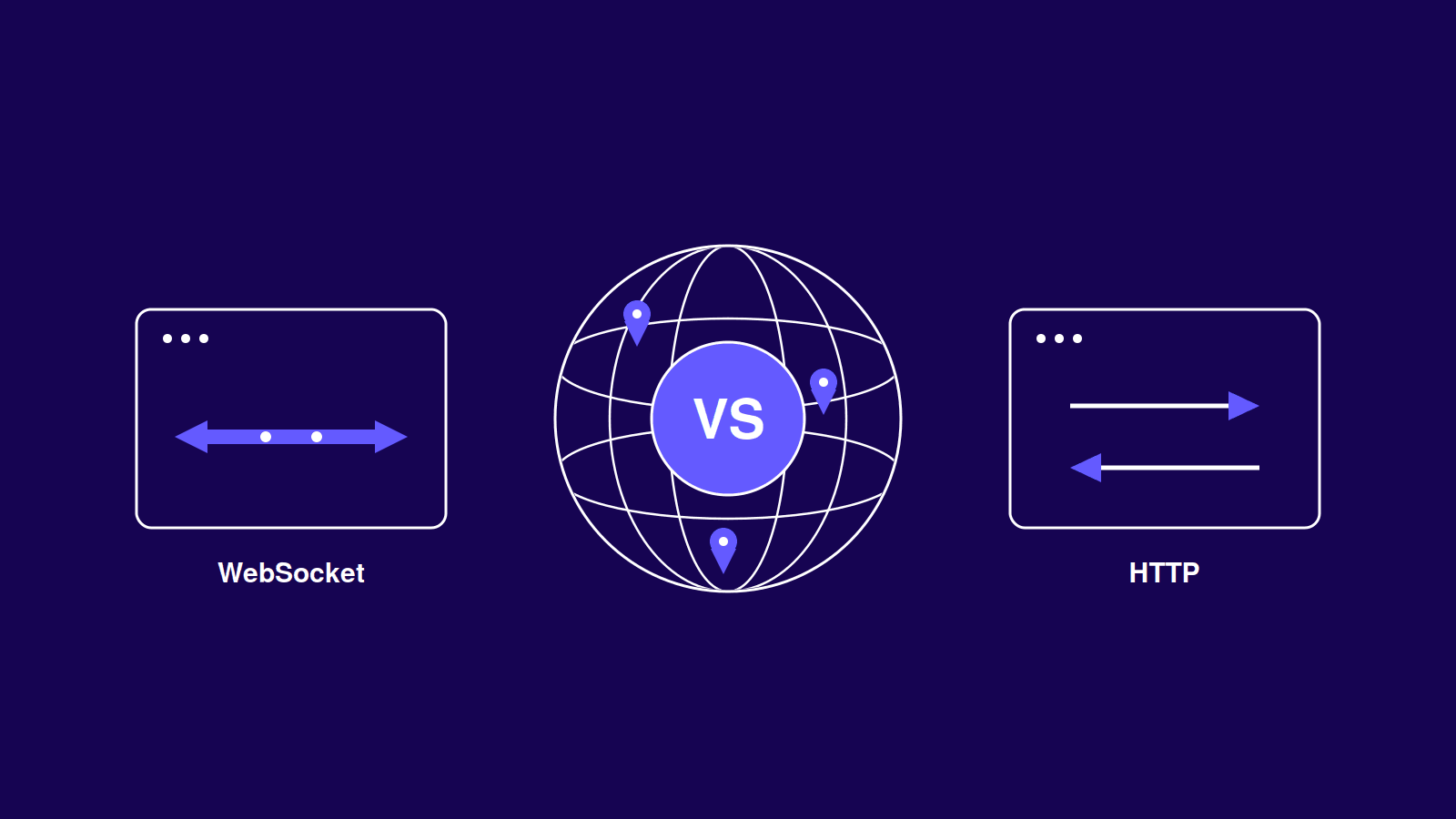
UDP Proxies vs HTTP Proxies
- Protocol Structure
When people talk about HTTP proxies, they're usually referring to servers specifically built to handle HTTP and HTTPS traffic over TCP. These proxies are perfect for web tasks like browsing anonymously, filtering browser requests, or even caching online content. On the other hand, UDP proxies operate differently. They forward data packets over UDP, a protocol designed for fast, real-time communication rather than guaranteed data delivery. Because UDP skips the complex connection setups, it excels at tasks like live gaming, video conferencing, or streaming.
- Speed
We already know that HTTP proxies rely on TCP, so every interaction takes additional steps—handshakes, acknowledgments, and confirmations—that make them slower. With UDP proxies, you eliminate all that overhead. The packets are sent instantly without waiting for acknowledgments, so UDP proxies are much faster. If your number one priority is speed with a minimum delay, UDP proxies are clearly the choice.
- Use Cases
HTTP proxies are best suited for activities which require accuracy and reliability, such as web browsing, web scraping, or managing structured data transfers. These proxies ensure every packet arrives intact, making them ideal for error-sensitive tasks. On the flip side, UDP proxies really stand out for real-time applications, including online multiplayer gaming, live video streaming, and voice or video calls. In these scenarios, speed and responsiveness are much more important than occasionally losing a few packets.
- Security
UDP proxies conceal your IP address, providing you with anonymity that safeguards against targeted assaults and monitoring. However, UDP lacks built-in encryption and this means that your data is still traceable unless you incorporate encryption helpers like Shadowsocks. HTTP proxies are usually more secure since besides hiding your IP, they block harmful content, unsafe websites and offer HTTPS encryption by default.
How to Set Up a UDP Proxy (Shadowsocks)
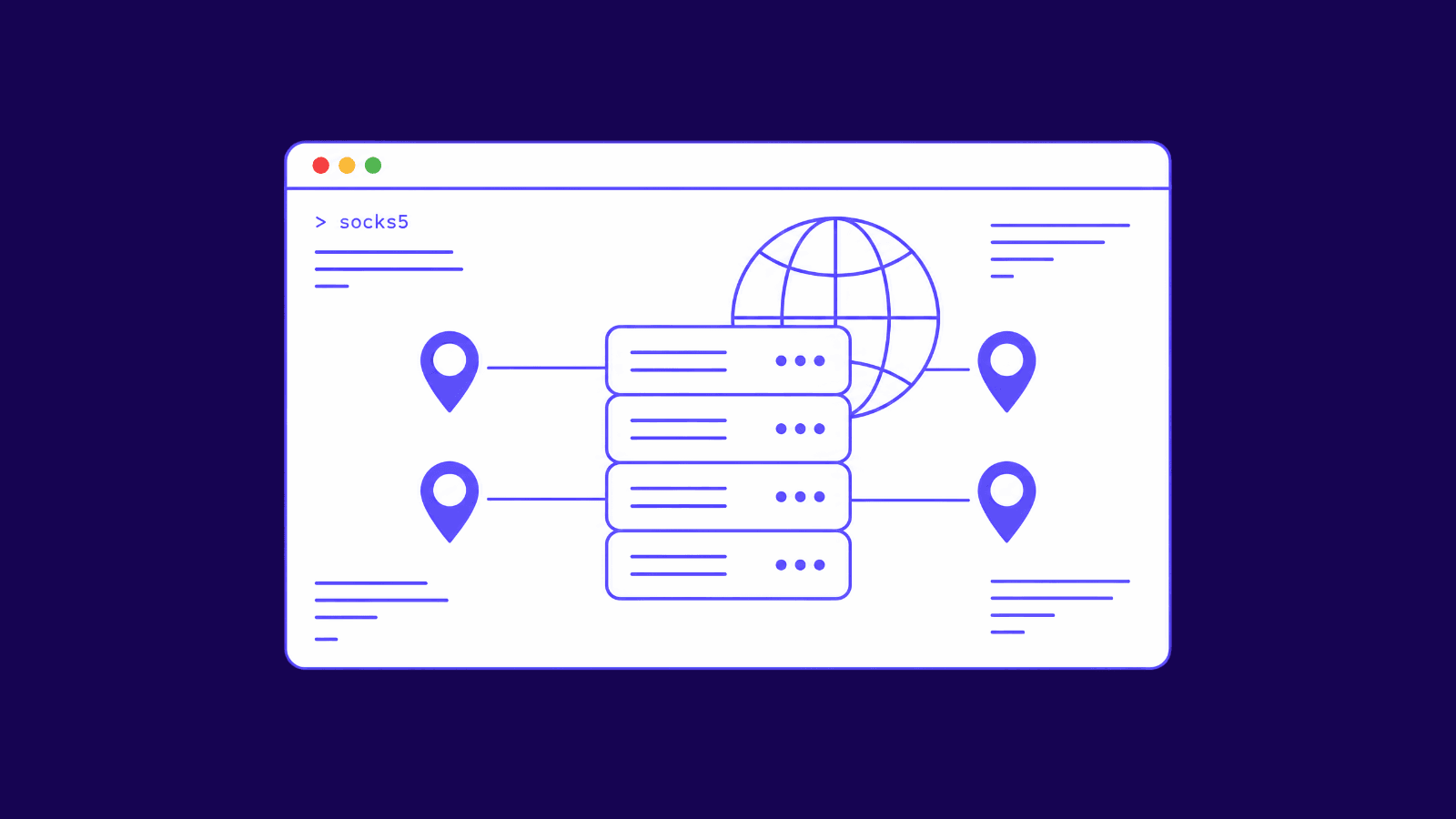
Before I will show you how you can set up your UDP proxy, keep in mind that we will use Shadowsocks proxies for this example since they support UDP traffic without any problems. Below is a step-by-step guide.
Step 1: Log in to Your Anonymous Proxies Dashboard
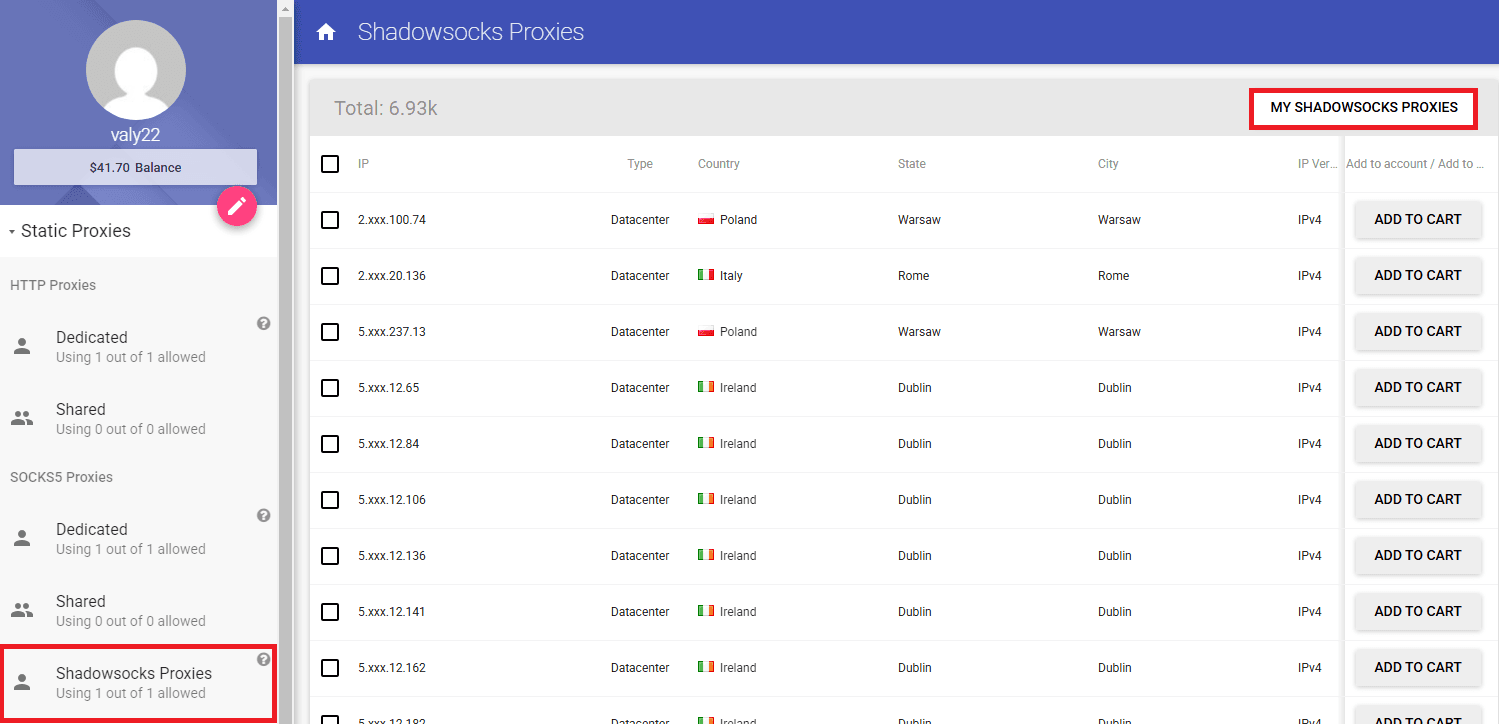
First, sign in to your Anonymous Proxies Dashboard account. Once you are logged in, click Dedicated Shadowsocks Proxies section, then on "My Shadowsocks Proxies".
Step 2: View Your Proxy Credentials
On this page you'll be able to see all details of your proxy like IP, Port, Password and the encryption method.

Step 3: Download Shadowsocks for Windows
Next, you'll need to download Shadowsocks GUI client. There you need to click on the GUI client based on your operating system. In this example, I'll use the Windows version.
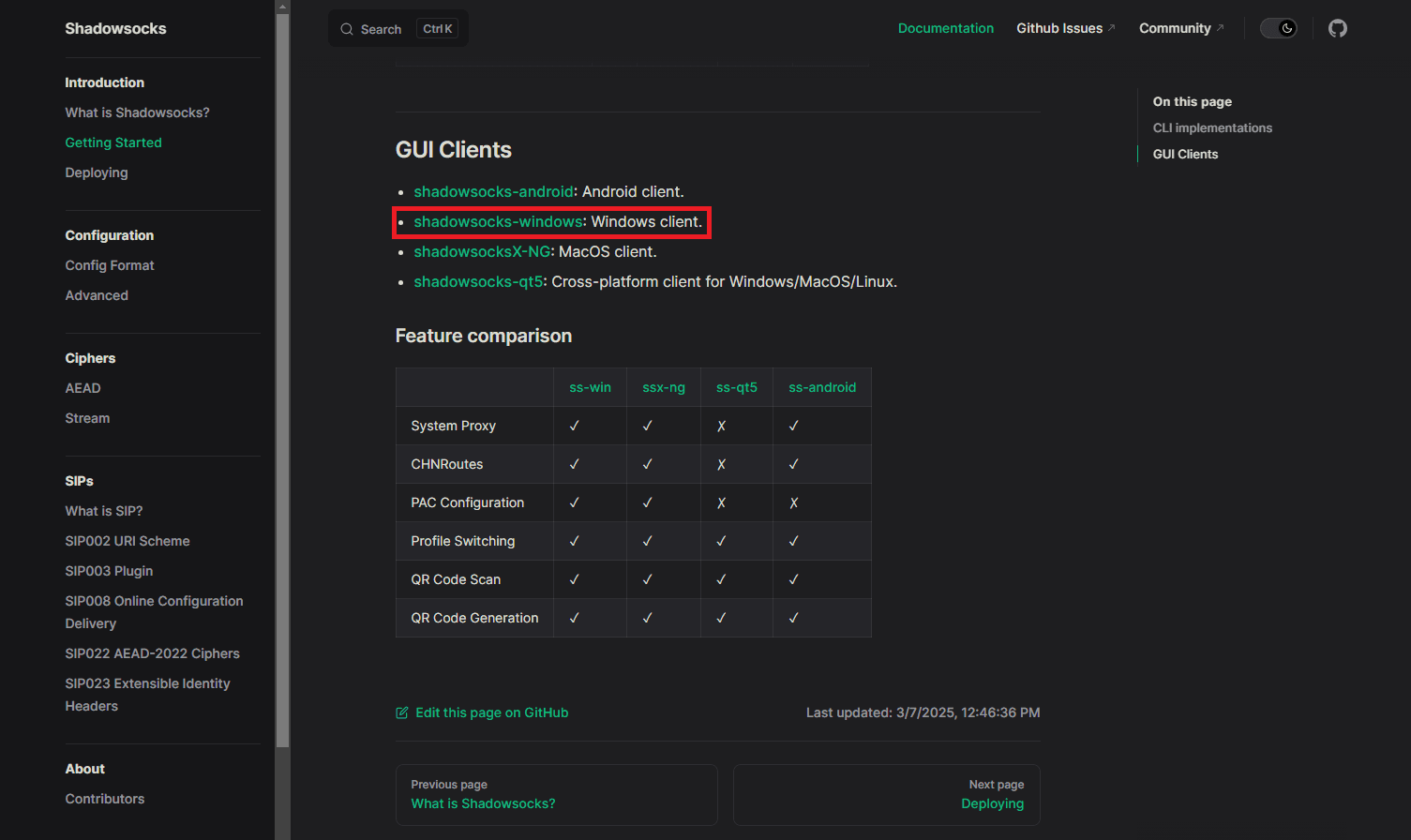
Once you click on the GUI client for your OS, you'll be redirected to their GitHub page. Here, you need to scroll down to the "Downloads" section and click on "release page".
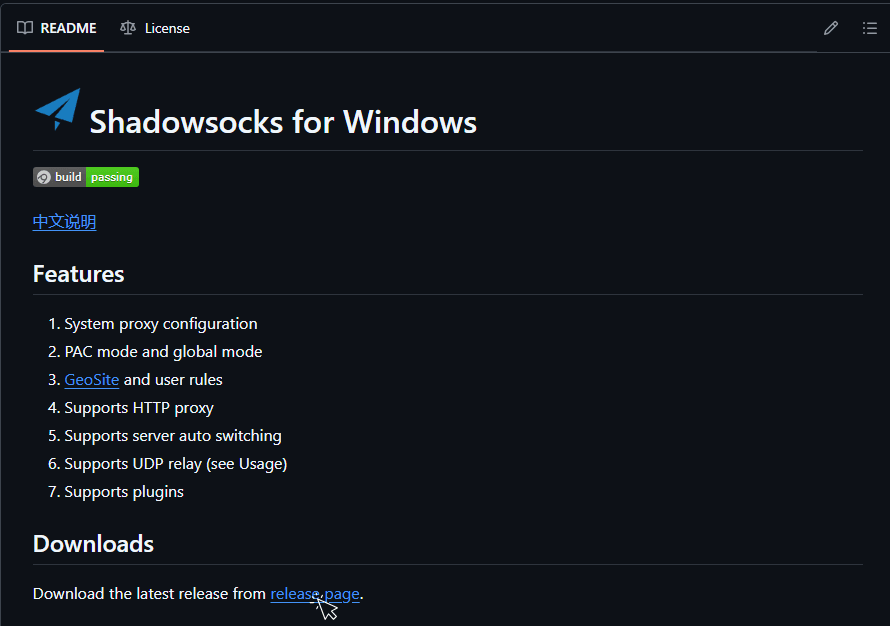
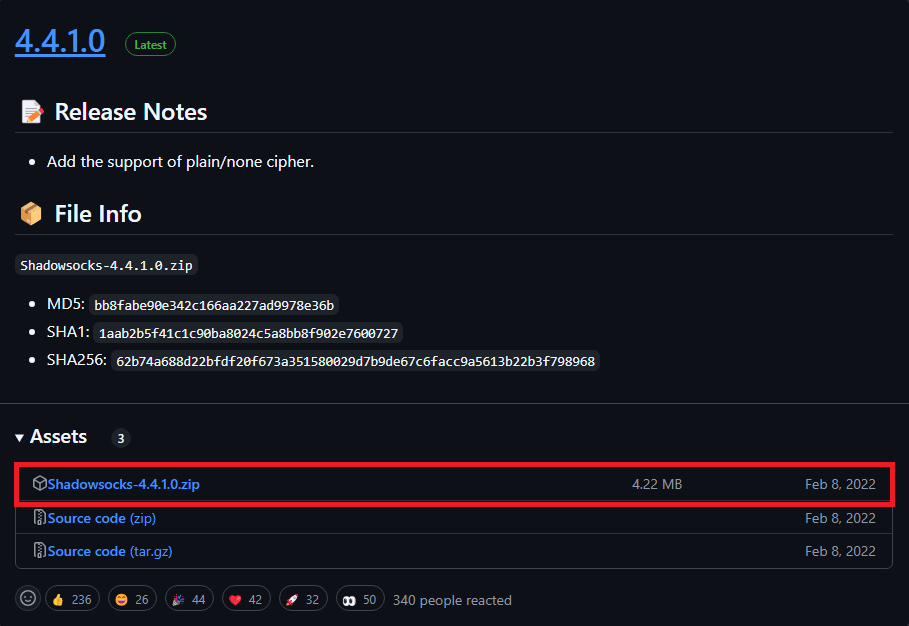
After you click on "release page", a new window will open in which you can download the latest version of Shadowsocks in ZIP format.
Step 4: Unzip and Launch Shadowsocks
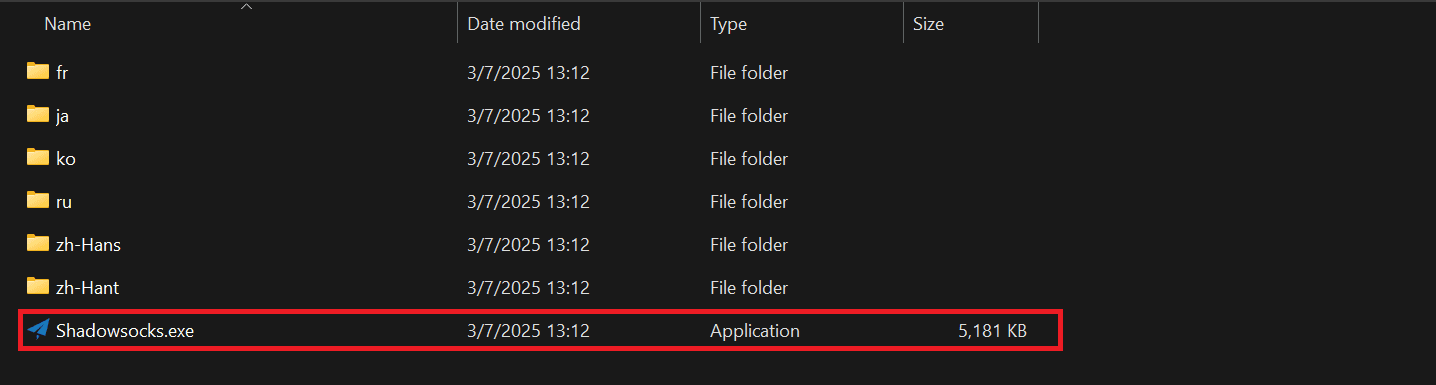
Once you downloaded Shadowsocks, be sure that you unzip the folder. There, you'll see a file named "Shadowsocks.exe" inside the extracted folder—double-click it to run the app.
Step 5: Input Proxy Credentials
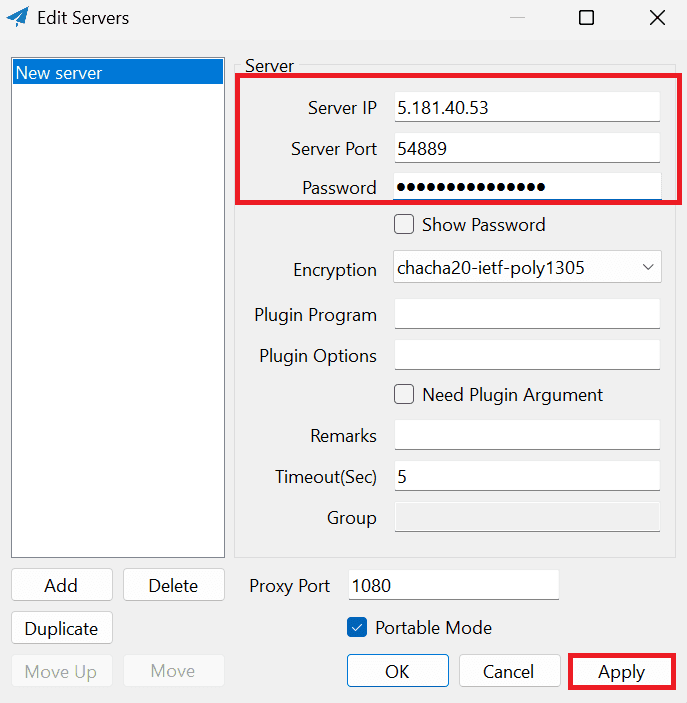
Once Shadowsocks opens, you’ll need to input the proxy credentials you saw in Anonymous Proxies dashboard. These are:
- Server IP
- Server Port
- Password
- Encryption Method
Once you fill all fields, click on "Apply" then on "Ok".
Step 6: Enable Global Proxy Mode
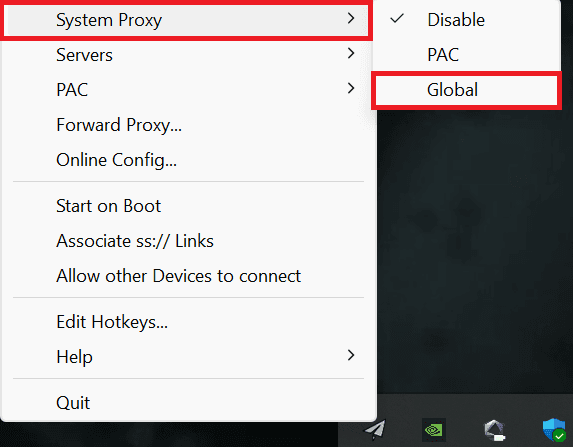
And lastly, you need to activate your proxy globally. For this, you just need to right-click the Shadowsocks icon in your toolbar, hover over "System Proxy," then select "Global":
And that's it! You've successfully set up your Shadowsocks proxy!
Conclusion
As you learned in this article, UDP proxies are an incredible tool for gamers, streamers, or any person who doesn't want interruptions in their VoIP services. We recommend you to opt for a Shadowsocks proxy since it supports UDP and we can help you 24/7 with whatever problem you've got with it. Moreover, remember that not only datacenter Shadowsocks proxies exist, but also ISP Shadowsocks proxies. These type of proxies come from home-based IP addresses, and in situations where authenticity and stealth are a must, you will totally want a residential Shadowsocks proxy, since you'll look like a normal user and it will be much harder for websites to block you.
If you encounter any problems with the setup or have other proxy-related questions, don't hesitate to contact our support team. And if you want to learn more about Shadowsocks proxies, be sure that you take a look at this article.

Buy Backconnect Proxies
Rotating IPs on every request. Scale scraping and automation without manual IP management.